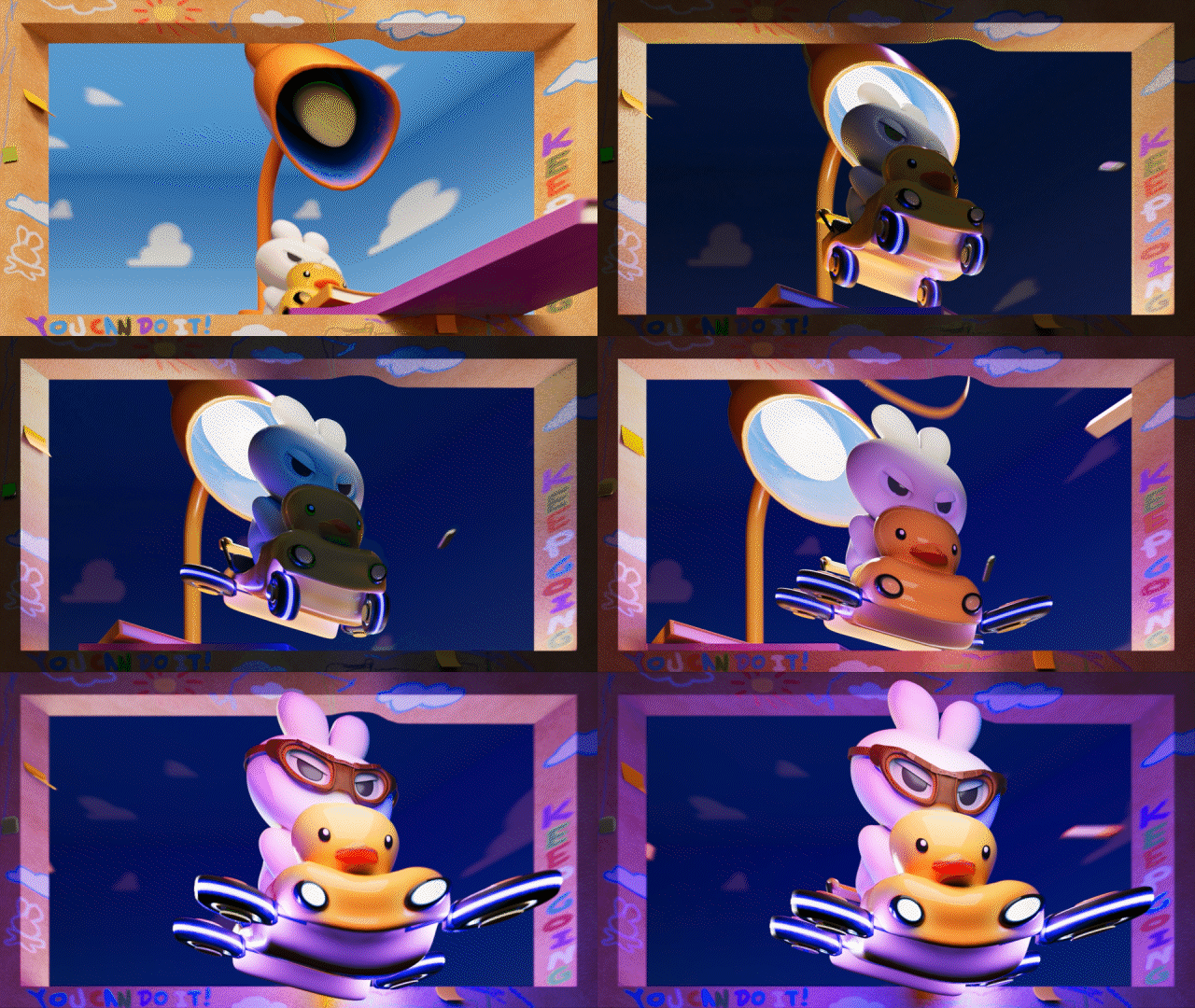
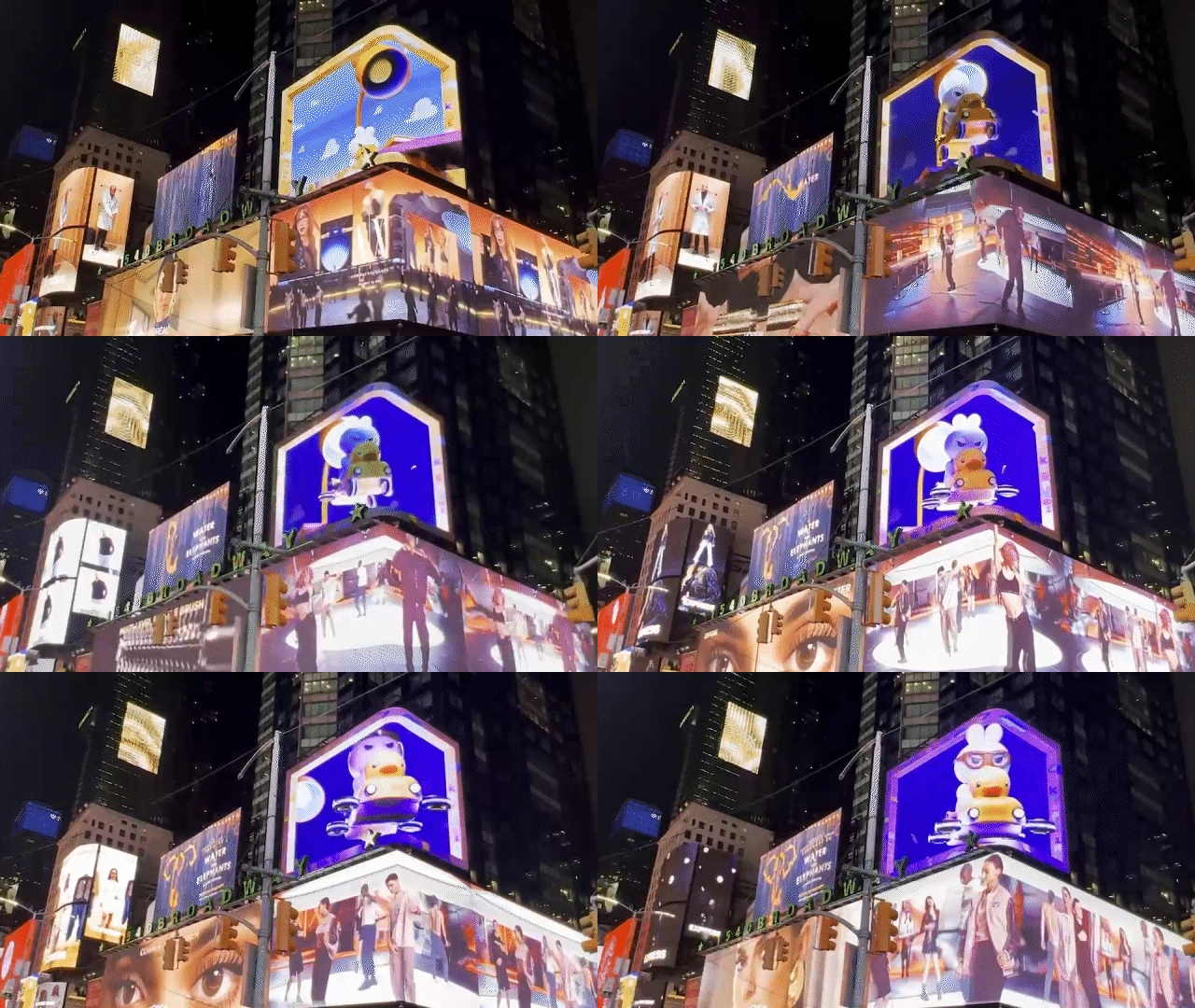
TSQ 3D Billboard
Production Process
1. Modeling & Texturing - 2. Set Dressing - 3. Projected on 3D Billboard
1. Modeling & Texturing

Sweet Spot View
To project the animation onto the 3D billboard, the position of the billboard is first defined and the correct camera perspective is established, using an upward-looking view from below. Based on this, the scene is matched to a box-shaped 3D space that aligns precisely with the physical structure of the billboard.

Front View

In the pre-production stage, decisions are made regarding which objects will appear and disappear. The assets are then modeled in Maya, textured in Substance Painter, and brought back into Maya to continue the production workflow.
Substance 3D Painter
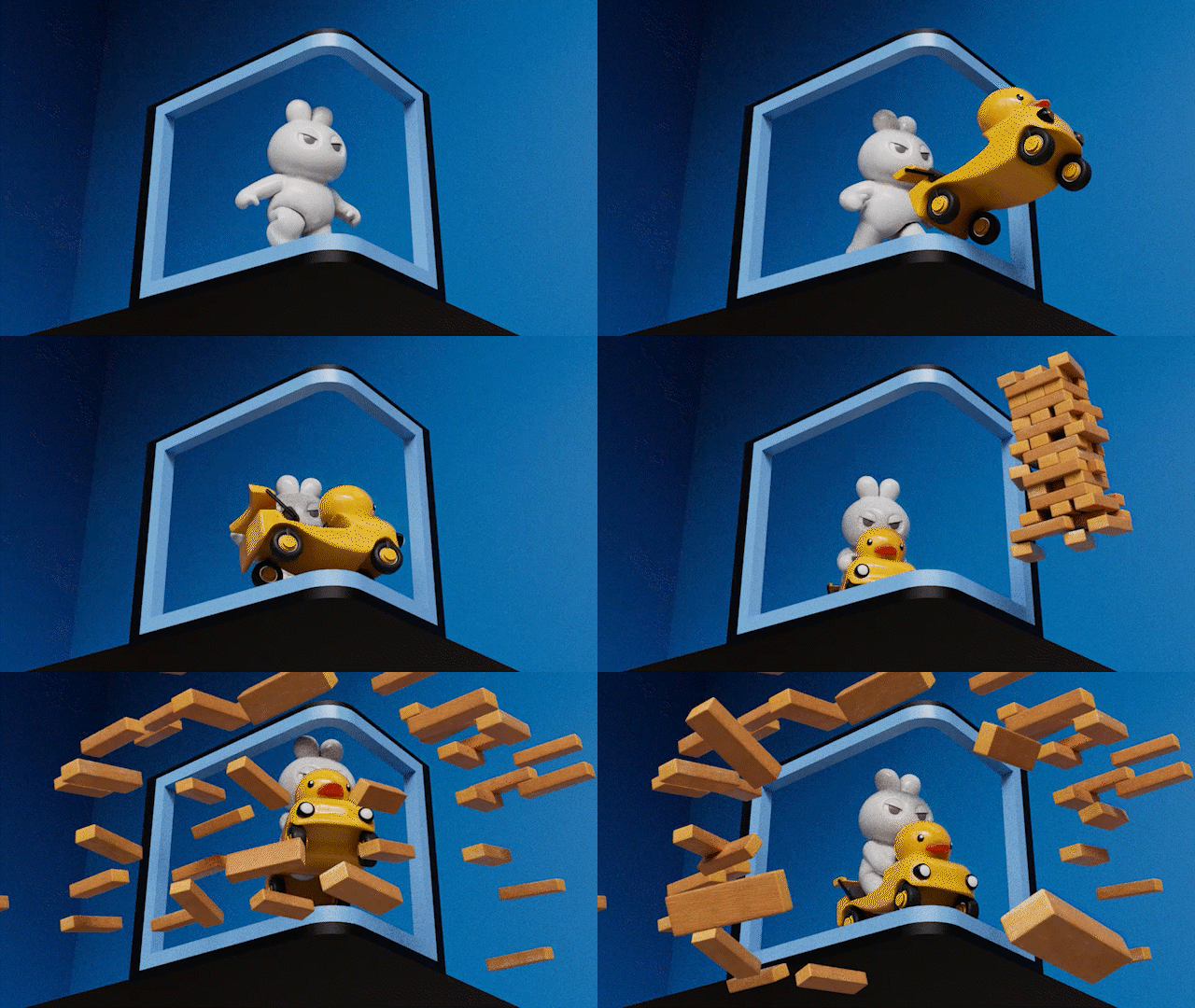
In a 3D billboard, the most important aspect is creating the illusion that the animation is breaking through the screen, capturing the attention of people who are quickly passing by. To achieve this, objects that match the theme are used to create a dynamic and engaging sequence.
For areas outside the box, it is planned with compositing in Nuke in mind, anticipating that parts of the frame will be cropped. Objects are animated to fly in from outside the frame, collide with the character, and then appear to burst forward toward the viewer, enhancing the sense of depth and impact.
2. Set Dressing
Final Render
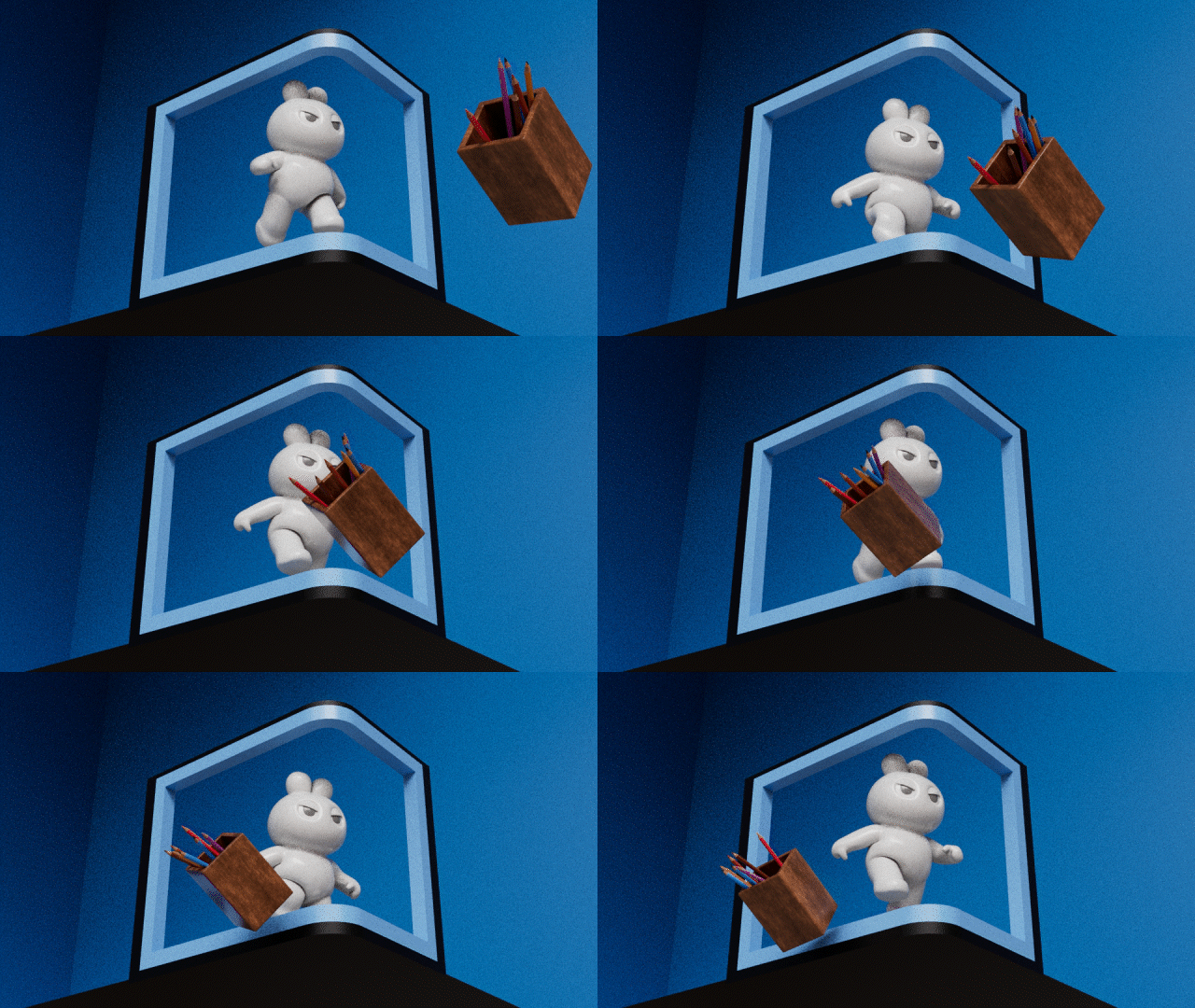
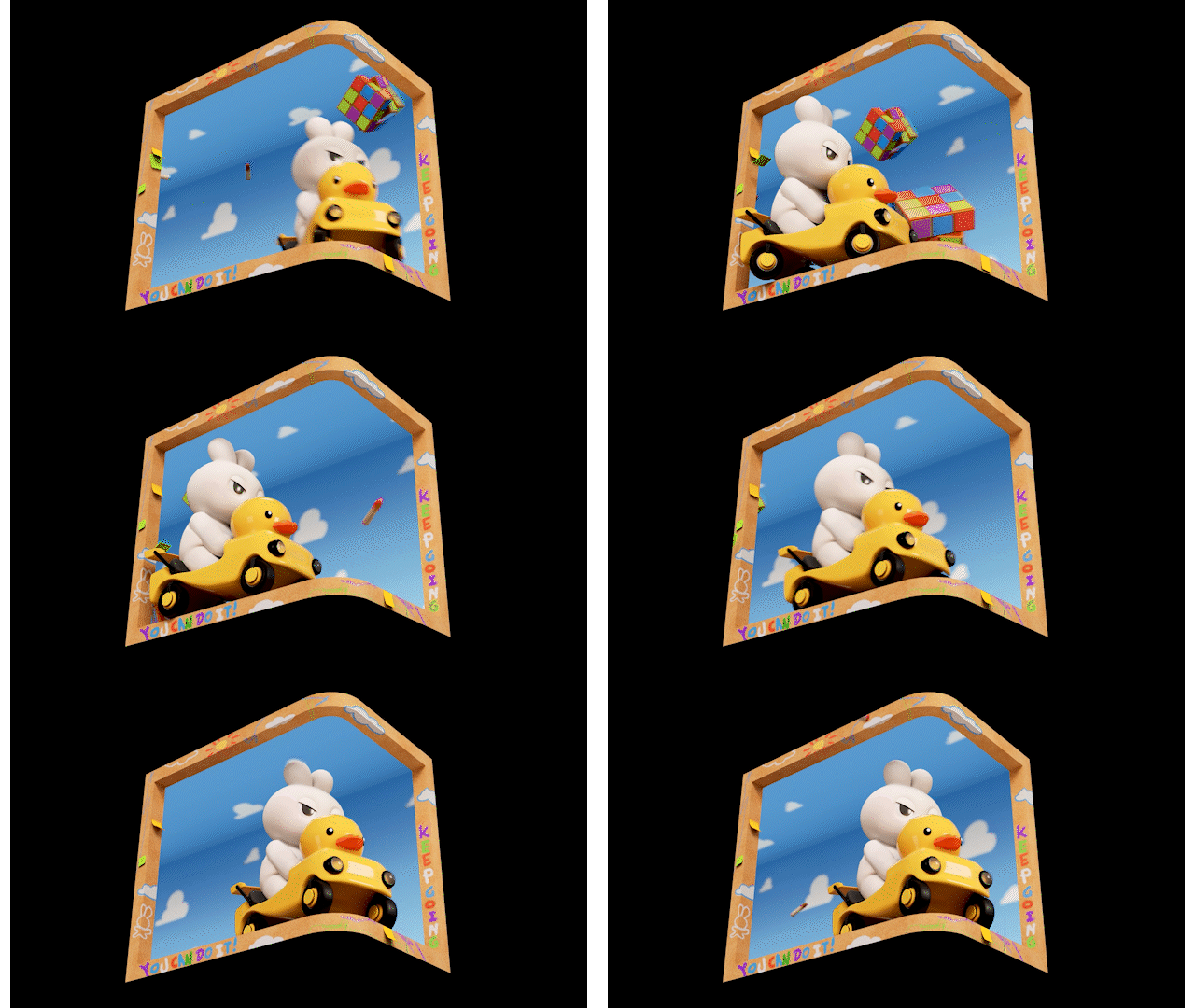
With a fixed camera and a character continuously running or driving, movement had to be conveyed through the surrounding objects and background. To achieve this, the environment was designed with patterned wallpaper, creating a continuous sense of motion and emphasizing the character’s forward progression.
Additionally, the wallpaper movement was accelerated when the character moved faster, reinforcing the change in speed.
Furthermore, objects were continuously introduced in varying ways to avoid a repetitive or monotonous feel.
Final Render
3. Projected on 3D Billboard
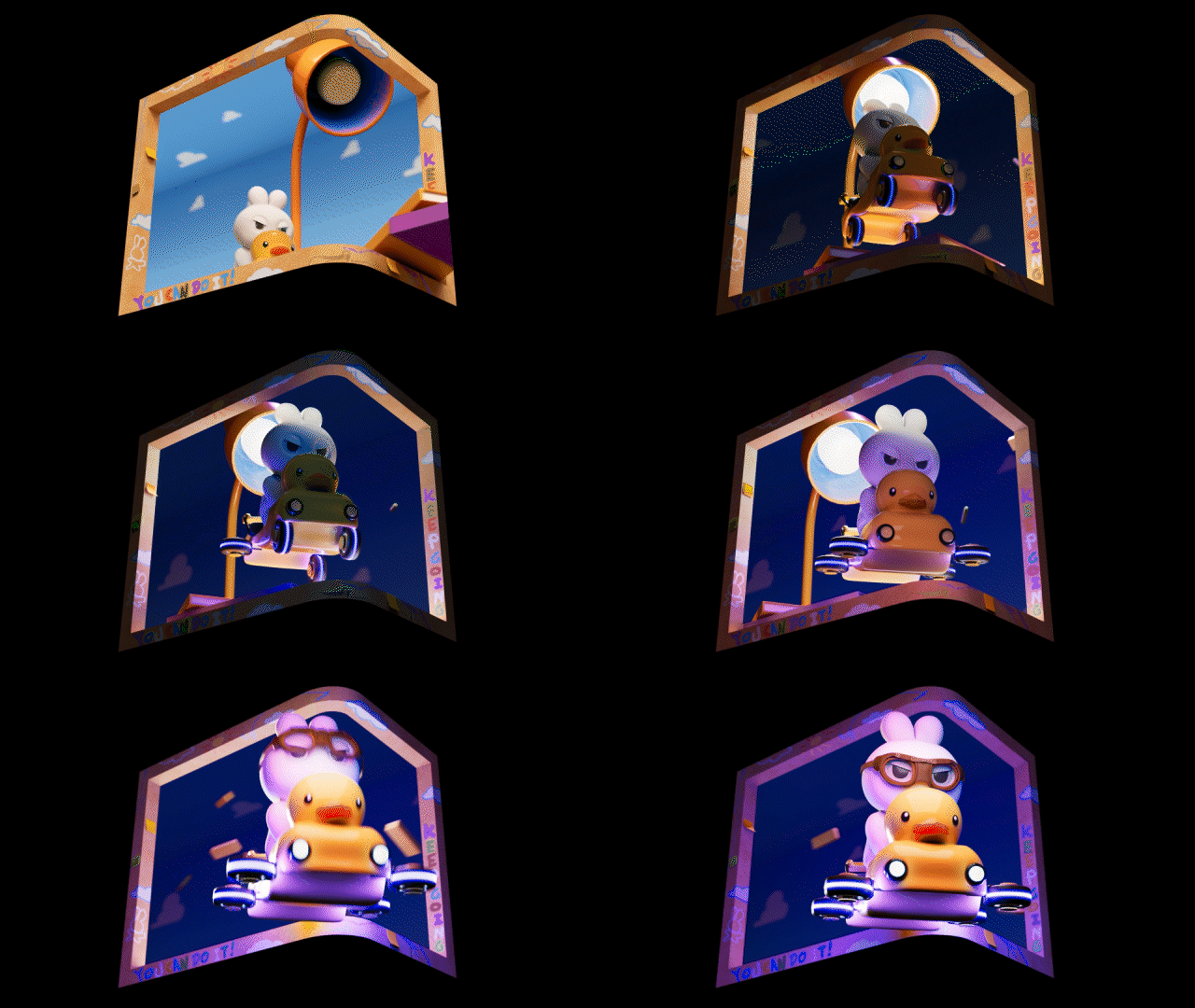
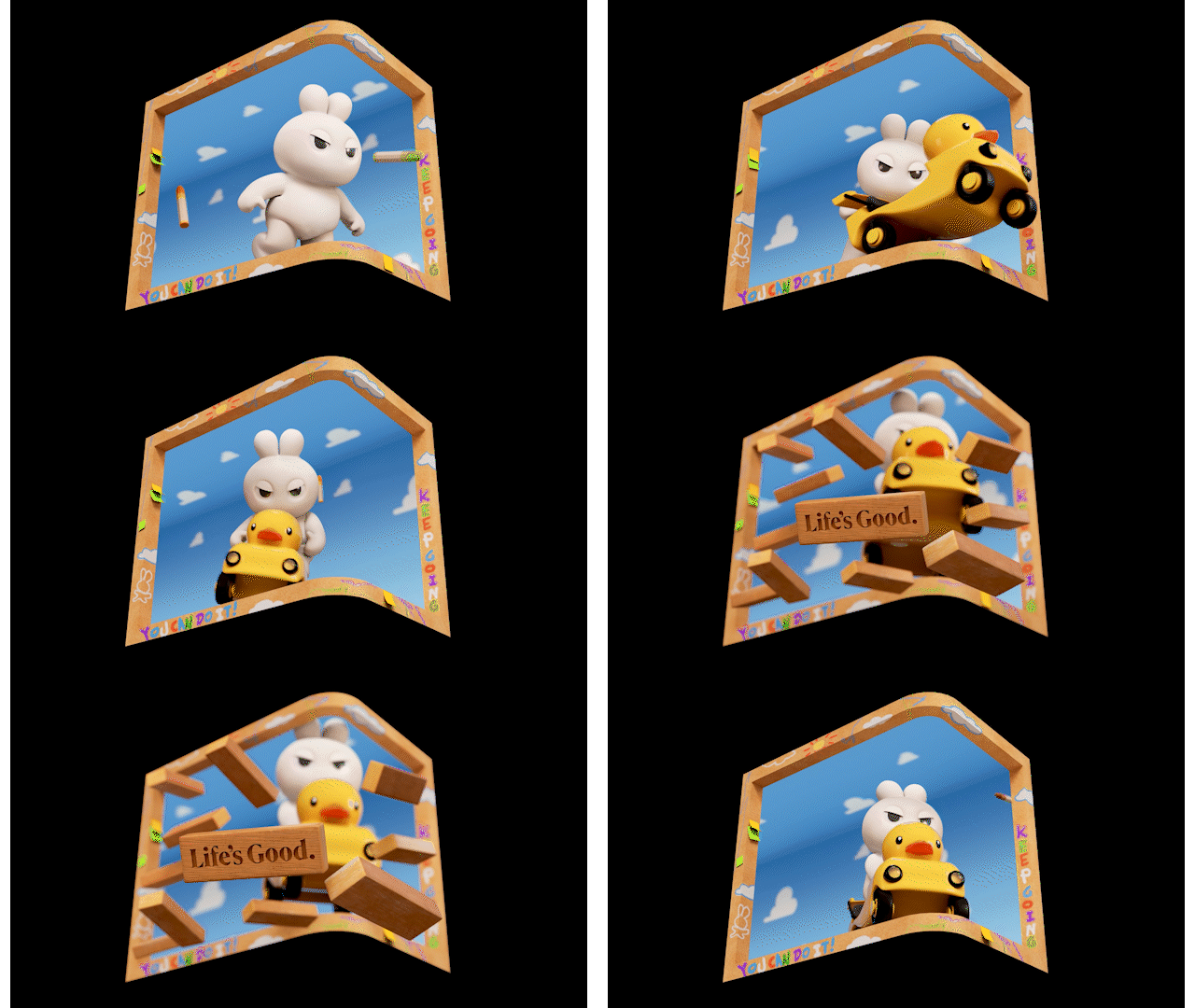
Although the work is created in 3D, it must be displayed on a flat screen when played on the Times Square billboard. Therefore, using Nuke, the Maya camera is projected to flatten the 3D renders and properly conform them to the aspect ratio of the 3D billboard display.
Unfold to flat Screen